Mastering MCP - Building Python Clients for AI Context

This deep technical analysis explores the creation of Model Context Protocol (MCP) clients using the official Python SDK, a critical skill for modern AI application architecture and agentic workflows.
2026-01-13T00:00:00.000Z
Mastering MCP - Building Python Clients for AI Context
As software architects, we are currently witnessing a paradigm shift in how Large Language Models (LLMs) interact with the world. For years, we relied on brittle Retrieval-Augmented Generation (RAG) pipelines or proprietary plugin architectures to feed data to our models. These solutions were often siloed, requiring custom integration logic for every new data source.
Enter the Model Context Protocol (MCP). MCP standardizes the way AI models interact with external data and tools. While much of the current discourse focuses on building MCP Servers (the providers of data), the true power lies in building robust MCP Clients. An MCP Client is the orchestrator—the bridge that connects an LLM to a universe of local and remote resources without needing to know the implementation details of those resources.
In this deep dive, we will architect and build a production-grade MCP Client using Python. We will move beyond simple "Hello World" examples to understand the transport layers, capability negotiation, and the asynchronous orchestration required to give our AI agents true context.
Contents
- The Architecture of Context
- Environment and Dependency Management
- The Transport Layer: Stdio vs. SSE
- Session Initialization and Handshakes
- Discovery: Tools, Resources, and Prompts
- Orchestrating Tool Execution
- Integrating the LLM Loop
- Conclusion
1. The Architecture of Context
Before writing code, we must understand the topology of an MCP system. In a traditional client-server architecture, the client requests data, and the server provides it. In the MCP ecosystem, the "Client" plays a specific, intermediate role.
The MCP Client acts as a host for the LLM application. Its responsibility is to maintain a connection with one or more MCP Servers. When the user interacts with the application (or the AI Agent begins a reasoning chain), the Client does not simply fetch data; it exposes the capabilities of the connected servers to the LLM.
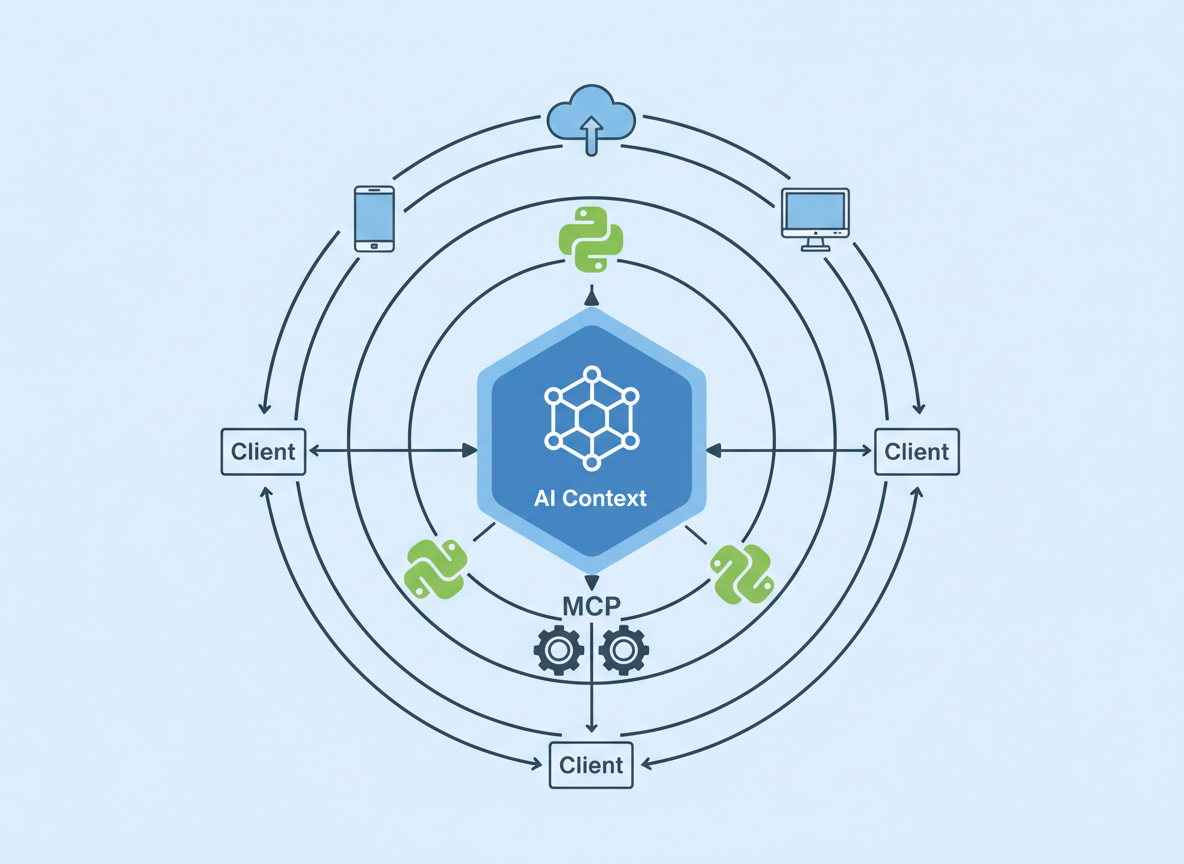
As shown in the illustration above, the Client sits comfortably between the AI Model and the Data/Tools. It translates the standardized JSON-RPC messages from the MCP protocol into a context format the LLM can understand (usually a list of tool definitions or system prompts).
Crucially, the Client manages the lifecycle of the connection. It handles authentication (if applicable), error propagation, and the security boundaries of what tools the LLM is actually allowed to execute.
2. Environment and Dependency Management
To build a reliable client, we need a robust Python environment. The official Python SDK for MCP is modern and relies heavily on asynchronous patterns (asyncio).
We recommend managing your environment with uv or poetry to ensure strict dependency resolution, though pip works for simpler setups.
# Creating a virtual environment
python -m venv .venv
source .venv/bin/activate

# Installing the core MCP SDK
pip install mcp
The mcp package is split into several components, but for a client, we are primarily interested in mcp.client. We will also likely need an LLM SDK (like anthropic or openai) to actually make use of the context we retrieve, but for the scope of the MCP connection, the base package suffices.
In our architectural view, we treat the MCP SDK as a low-level driver. Our application logic should wrap this driver to handle connection retries and state management, ensuring the main application thread never hangs waiting for a subprocess.
3. The Transport Layer: Stdio vs. SSE
MCP supports two primary transport mechanisms: Stdio and Server-Sent Events (SSE). Choosing the right one is critical for your client's design.
Stdio Transport
This is the most common method for local integration. The Client spawns the MCP Server as a subprocess and communicates via standard input and output.
- Pros: Secure by default (local process), zero network latency, easy to manage lifecycle (server dies when client dies).
- Cons: Harder to scale across machines; requires the server runtime (e.g., Node.js or Python) to be installed on the client machine.
SSE Transport
This is used for remote connections. The MCP Server runs as a web service.
- Pros: Decoupled architecture; server can run in a Docker container or a different cloud environment.
- Cons: Requires handling network security, authentication, and potential latency.
For this article, we will focus on the Stdio approach, as it is the foundational pattern for building local AI agents.
Here is how we define the server parameters in Python:
from mcp.client.stdio import StdioServerParameters

# Configuration to run a local MCP server (e.g., a filesystem server)
server_params = StdioServerParameters(
    command="npx", # or "python", depending on the server
    args=["-y", "@modelcontextprotocol/server-filesystem", "/Users/username/Desktop"],
    env=None # Optional environment variables
)
4. Session Initialization and Handshakes
Once the transport parameters are defined, we must establish a Session. The session is the stateful wrapper around the connection. It handles the JSON-RPC 2.0 protocol details, message ID tracking, and the initial capability handshake.
During the handshake, the Client and Server exchange capabilities. The Client tells the Server, "I support sampling and roots," and the Server replies, "I support tools and resources."
We use Python's asynchronous context managers to handle this cleanly:
import asyncio
from mcp.client.stdio import stdio_client
from mcp.client.session import ClientSession

async def run_client():
    async with stdio_client(server_params) as (read, write):
        async with ClientSession(read, write) as session:
            # The handshake happens automatically upon entering the block
            await session.initialize()

            # We are now connected
            print("Connected to MCP Server")

            # ... Application logic here ...

if __name__ == "__main__":
    asyncio.run(run_client())
This nested context manager pattern ensures that if our application crashes or the logic finishes, the file descriptors are closed and the subprocess is terminated gracefully. This prevents zombie processes—a common plague in multi-process Python applications.
5. Discovery: Tools, Resources, and Prompts
Once the session is active, the Client needs to discover what the Server can do. This is where MCP shines. Instead of hardcoding API endpoints, we dynamically query the server.
There are three main primitives we usually look for:
- Resources: Passive data sources (logs, files) that can be read.
- Tools: Executable functions that can take arguments and return side effects or data.
- Prompts: Pre-defined template prompts helping the LLM use the server effectively.
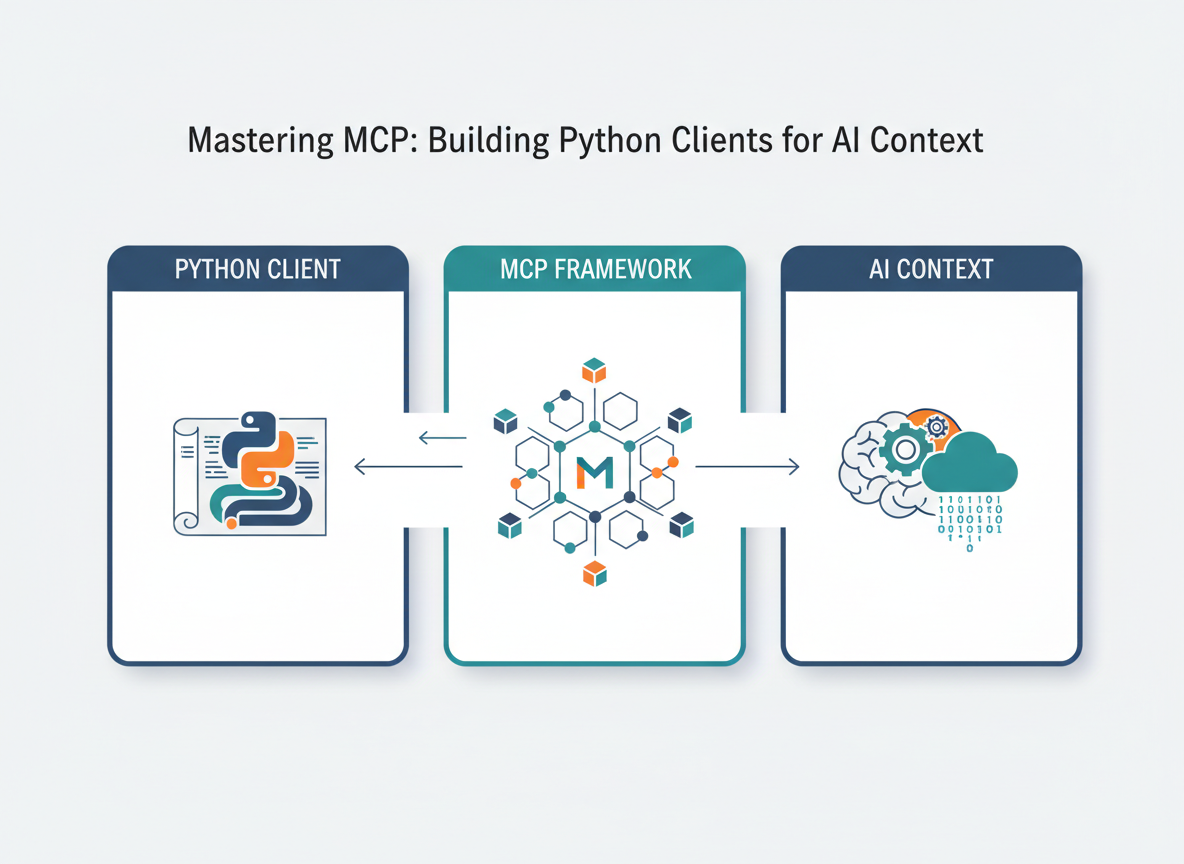
As visualized above, the discovery phase populates our internal registry. Here is how we fetch the available tools:
            # List available tools
            tools_response = await session.list_tools()

            print(f"Discovered {len(tools_response.tools)} tools:")
            for tool in tools_response.tools:
                print(f"- {tool.name}: {tool.description}")
                print(f"  Schema: {tool.inputSchema}")
In a production application, we would map these schemas directly to the format expected by our LLM (e.g., OpenAI's function calling format or Anthropic's tools parameter). This dynamic mapping allows our AI client to "learn" new capabilities simply by swapping out the underlying MCP server, without changing a single line of client code.
6. Orchestrating Tool Execution
When the LLM decides it needs to use a tool—for example, read_file or query_database—it generates a structured output containing the tool name and arguments. It is the Client's job to intercept this, validate it, and forward it to the MCP Server.
We use the session.call_tool method for this:
            # Example: The LLM requested to read a file
            tool_name = "read_file"
            tool_args = {"path": "/Users/username/Desktop/test.txt"}

            try:
                result = await session.call_tool(tool_name, arguments=tool_args)

                # The result contains text or image content
                if not result.isError:
                    content = result.content[0].text
                    print(f"Tool Output: {content}")
                else:
                    print("Tool execution returned an application-level error.")

            except Exception as e:
                print(f"RPC Error: {str(e)}")
Note the error handling. There are two types of errors here: Protocol Errors (the connection died, or the request was malformed) and Application Errors (the file wasn't found). A robust client must distinguish between these to provide meaningful feedback to the LLM. If the file is missing, we tell the LLM "File not found"; we don't crash the client.
7. Integrating the LLM Loop
The final piece of the puzzle is the loop. An MCP Client is rarely a linear script; it is a loop that oscillates between the LLM and the MCP Server.
- User Input: The user asks a question.
- Context Assembly: The Client gathers available tool definitions from the MCP Session.
- Inference: The Client sends the user input + tool definitions to the LLM.
- Decision:
- If the LLM responds with text, display it to the user.
- If the LLM responds with a "Tool Call," the Client pauses generation.
- Execution: The Client executes the tool via
session.call_tool. - Recursion: The Client feeds the tool output back to the LLM as a new message and repeats step 3.
This "ReAct" (Reasoning and Acting) loop is what makes agents autonomous. By offloading the actual implementation of the tools to the MCP Server, our Python client remains lightweight. It doesn't need to know how to read a PDF or query SQL; it just needs to know how to pass the message to the server that does.
8. Conclusion
Building an MCP Client in Python is an exercise in architectural decoupling. We are moving away from monolithic AI applications where the logic, data access, and prompt engineering are tightly coupled. Instead, we are adopting a modular approach where the Client is merely a conductor, and the MCP Servers are the orchestra.
As we have explored, the official Python SDK provides the necessary primitives—StdioServerParameters, ClientSession, and call_tool—to build these systems efficiently. The challenge for us as engineers is no longer "how do I connect this API?" but rather "how do I orchestrate these capabilities to solve complex problems?"
By mastering MCP clients, we future-proof our AI applications, allowing them to grow in capability simply by connecting to new servers, paving the way for a truly interconnected ecosystem of AI agents.